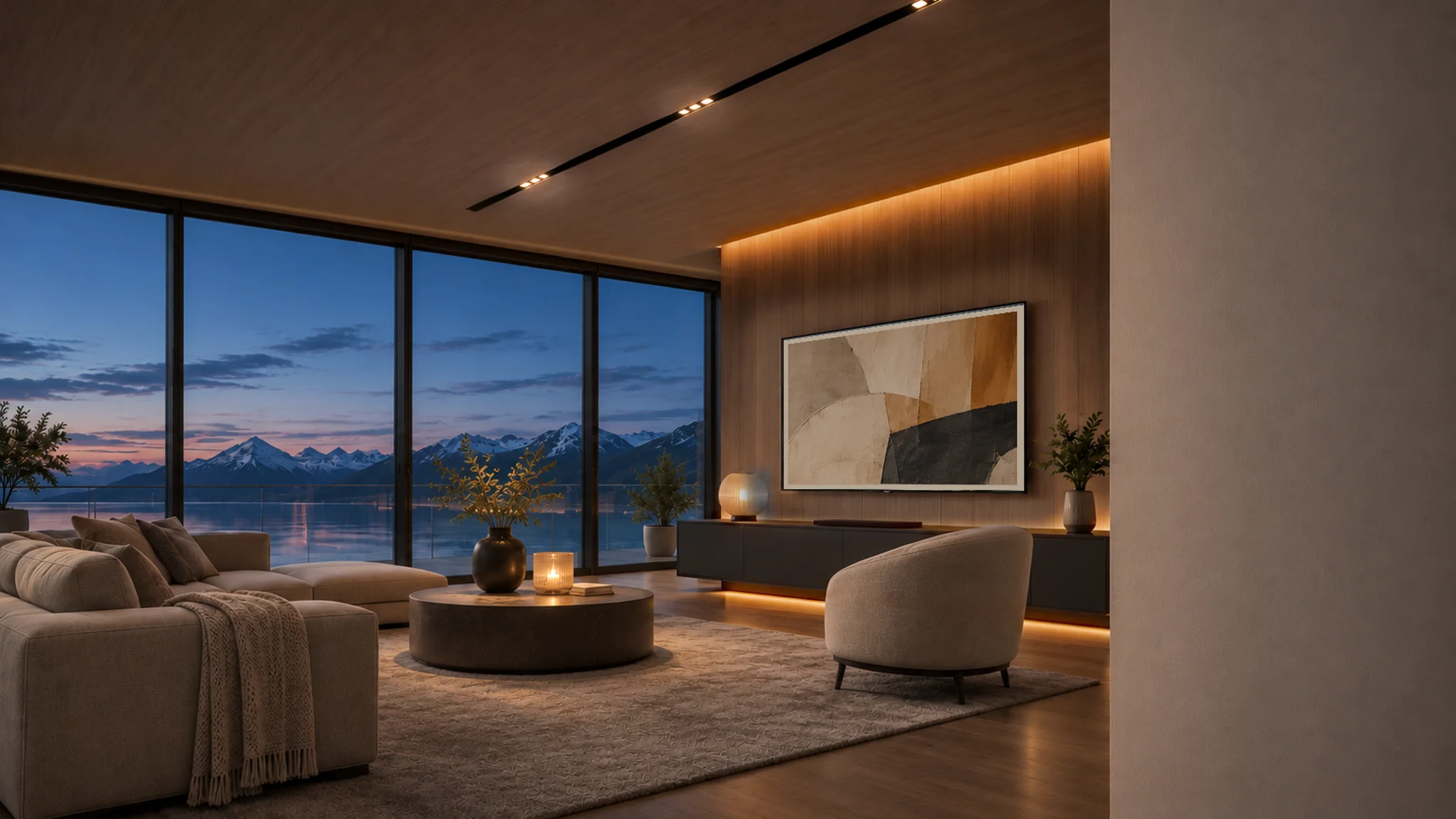
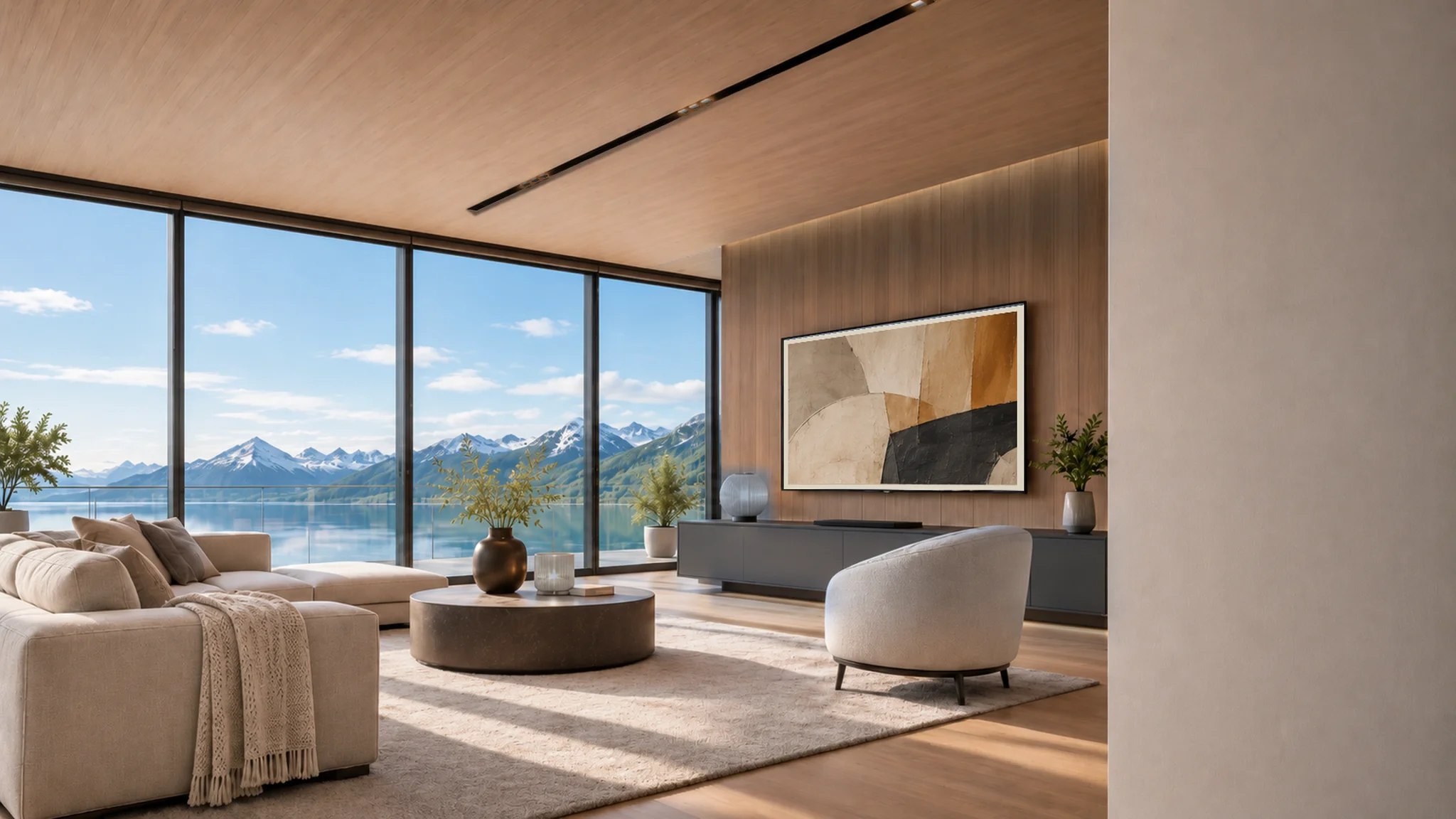
Bright cooking surface. Warm light above the dinner table. Gentle lighting for the bathroom path at night. With Ampio, adjust the lighting to what you're doing, and recall saved settings with one button.
When cooking, you need light on the counter. When sitting down to dinner, select «Dinner»: the task light dims, the table lamp stays on, and the rest of the room recedes into the background. No need to fiddle with switches.
DaylightEvening light
Illustration of a sample scene
Plan the lighting around what you do
Lighting for work and relaxation
Above the counter, you need good lighting for cutting. At the table, pleasant lighting on faces matters, and in the living room, there are fewer reflections. Separating these areas into circuits gives more freedom than a single lamp for the whole room.
Scenes you can repeat
In «Dinner», highlight the table, in «Cleaning», turn on brighter lights, and in «Watching Movie», leave the soft lighting. Each scene recalls the saved settings for the selected lamps.
Dimming and colour
Dim the lights in the evening or change the colour of an accent light. The controls depend on the LED source, power supply and controller. Check for flicker at low brightness when selecting fittings.
Light along the route
At night, the sensor can turn on discreet lighting in the hallway, and gradually turn it off. During the day, the same motion doesn't need to activate anything.
Turn on as you like
The most commonly used functions are placed on the wall in the expected location. A panel or Ampio UNI can provide additional options, but simple actions keep a simple button.
Entrance lighting that welcomes you home
Entrance lighting can respond to the time of day and use of the door. The terrace stays on a separate circuit so its lights do not come on every time someone passes.
Lighting that works with the rest of your home
In the «Film» scene, the lights can dim together with the lowering of blinds. Which lamps can be dimmed and grouped depends on the fixtures and controllers used. It's worth deciding this before purchasing lamps. Learn more about the collaboration between lighting and blinds in «Blinds and Blinds».
In the Senja show cabin at Moment Hus in Norsk Hyttesenter, you can experience Ampio automation in a real interior. Ask about which scenes you can see during the visit.
Not always. We check existing circuits and fixtures, and divide the options into regular switching, dimming, and color control.
Will it work without a phone?
Agreed lighting and scenes can be activated with physical buttons. Remote access is a separate function.
How should the lighting work in your home?
Tell us which rooms you want to change the lighting in and which lamps you already have. We'll help you determine what's worth connecting in scenes and what to plan for before installation.